The digital vs paper planner question for ADHD comes down to one test: which one will you look at without a reminder? Paper wins when you need to see a plan, and digital wins when you need a nudge at the right minute, so most ADHD brains do best with digital for time and paper for tasks. One mother in r/ADHDMoms said she had tried every project tool ever made, from Trello to Notion. They all assumed she would remember to open them. The only system that worked was a whiteboard she walked past twelve times a day.
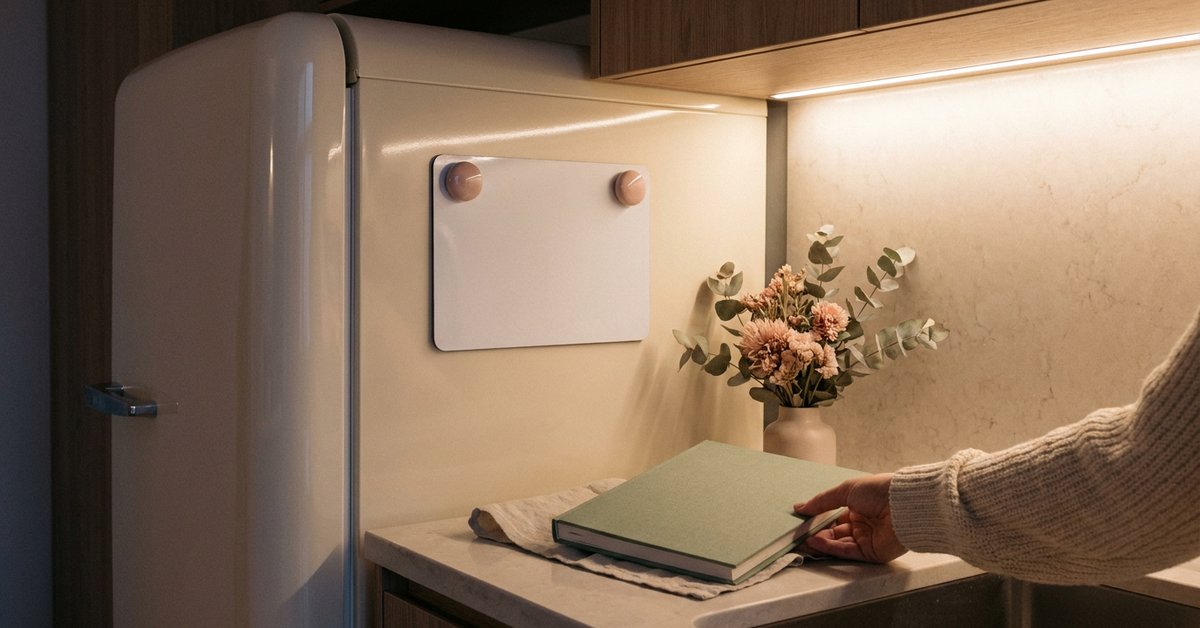
For ADHD, a paper planner works best for tasks you need to see, and a digital planner works best for appointments that need alerts. Most women keep using a hybrid: one digital calendar for time and one paper list for tasks. Keep one calendar and one list, and check both once a day.

Save this for later
You will want this again. Pin it to your planning board so it is one tap away when you need it.
Pin it for laterWhy Is Choosing a Planner So Hard With ADHD?
Choosing a planner is hard with ADHD because every planner depends on remembering to use it, and remembering is the exact skill in short supply. The National Institute of Mental Health lists frequently losing things and being forgetful in activities among the everyday problems adults with ADHD describe. A planner is one more thing to forget.
So why does the search for the right planner never end? Because building a system is the easy part. A 2020 study in PeerJ found that adults with ADHD came up with organizing strategies as well as adults without ADHD, and struggled only with using them continuously. The planner you buy is rarely the problem. Whether you keep opening it is.
What Does a Paper Planner Do Better for an ADHD Brain?
A paper planner does two things better: it stays visible, and writing by hand helps you remember what you wrote. An open notebook on the counter needs no passcode, no app, and no notification to be seen. It is simply there when you walk past.
The memory part has a mechanism behind it, not just a preference. One planner buying guide sums up the research this way: handwriting generally beats typing for memory consolidation, which matters for brains already losing things in working memory. The best known example is a 2014 study by Mueller and Oppenheimer in Psychological Science, where students who took notes by hand understood the material better than students who typed. Writing a task by hand encodes it a second time, outside a working memory that drops things under load.
Paper can also last. One woman in r/adhdwomen read The Bullet Journal Method by Ryder Carroll about five years ago, drawn to a system its author built partly to manage his own ADHD. After a false start or two, she has kept it going for three years and counting. The mix of planner and journal gave her structure without asking for daily prose.

What Does a Digital Planner Do Better?
A digital planner does three things paper cannot: it reminds you at the right minute, it repeats events without rewriting them, and it travels with you in the phone you already carry. For appointments, deadlines, and anything with a clock attached, those three features beat any notebook.
Visibility can happen on a screen too. One woman set an eighteen minute timer on her phone and noticed the countdown sitting at the top of the screen the whole time, whatever app she opened next. That small visual nudge did more for her than any planner ever had. The lesson travels well: digital works best when it shows you time without asking you to go looking for it.
- Google Calendar: recurring events, alerts, and a shared view with a partner.
- Todoist: a simple task list with due dates and a widget for the home screen.
- Your phone’s own reminders: location alerts, such as buy stamps when you reach the post office.
Why Do So Many ADHD Women Abandon Planning Apps?
Many ADHD women abandon planning apps because the setup is more rewarding than the use. One woman on r/ADHDers described the same cycle with every app, planner, and system she tried: download, feel hopeful, get overwhelmed by features, and abandon it within three days. The tools were not the problem. She needed a hard limit, not more settings to adjust.
Notion shows the pattern clearly. It appears on nearly every ADHD tool list, praised for how far it can be customized, and one app guide calls that exact feature the failure point: “The infinite customization is itself the trap.” Women spend more hours building the dream dashboard than doing the work it was meant to hold. Setup becomes the newest, most respectable form of procrastination.
Does that mean apps are a bad fit? Not at all. It means the simplest app wins, the one that opens to a list and asks nothing else of you.
Is a Hybrid Planner System Better Than Choosing One?
A hybrid system is usually better for ADHD, because paper and digital cover each other’s weak spots. Digital handles time: appointments, alerts, and anything that repeats. Paper handles tasks: the list you need to see, cross off, and carry in your head.
Research on students with ADHD points the same way. A 2019 study in Children followed 52 college students with ADHD and learning disabilities and found they relied on electronic apps, written checklists, and alarms together, and many wrote a paper plan for the week or month. None of them picked a side. They picked a job for each tool.
How Do You Decide Which One You Will Actually Use?
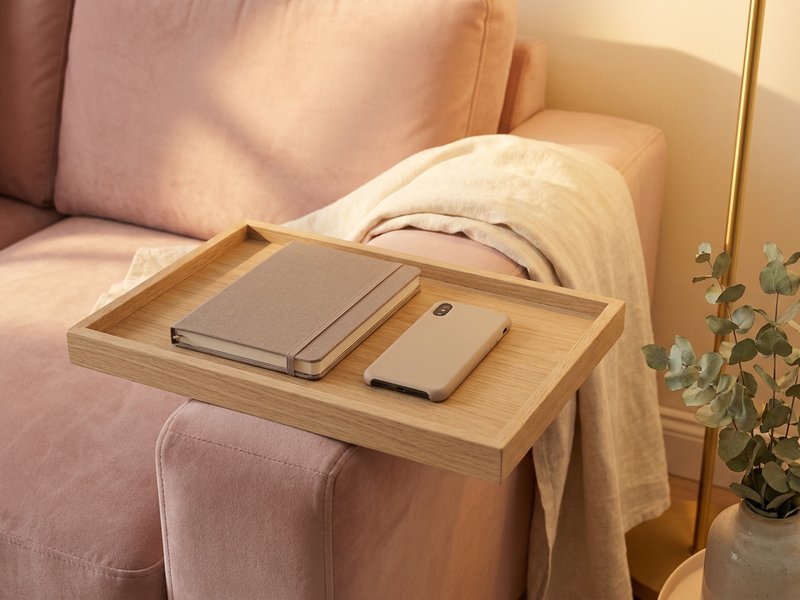
Decide by looking at how you forget, not at which planner looks best. Five quick checks point to the right starting place, and most women land on a mix.
- If you forget appointments, start with a digital calendar and alerts.
- If you forget tasks you can see coming, start with a paper list in a place you walk past.
- If notifications stress you out, lean toward paper and keep alerts for appointments only.
- If you lose notebooks, lean toward digital, since your phone rarely stays lost for long.
- If you love setting up systems, pick the plainest tool on purpose, so building it cannot become the task.
What if two checks point in opposite directions? Then you already have your hybrid. Give each tool the job its check pointed to, and nothing else.
What Is the One Rule That Makes Either Planner Work?
The one rule is simple: keep a single calendar and a single task list, and check them once a day. A cognitive behavioral therapy protocol for adult ADHD, described in Cognitive and Behavioral Practice, spends four sessions teaching exactly this. Clients move every appointment into one calendar and every task into one list, then update them at least once a day.
Why does one matter so much? Two lists means every task lives in two places or in neither. Three calendars means the dentist appointment is always in the one you did not check. The format of the planner matters far less than the count, and the count should be one of each.
Paper vs Digital at a Glance: Which Wins Where?
Paper wins on visibility and memory, while digital wins on reminders, repetition, and portability. The table below lines up the six features that matter most for an ADHD brain.
| Feature | Paper planner | Digital planner |
|---|---|---|
| Stays visible without opening | Yes, if left open | Only with a widget |
| Reminds you at the right time | No | Yes |
| Helps you remember what you wrote | Yes, handwriting | Less so |
| Repeats events automatically | No | Yes |
| Easy to lose | Yes | Rarely |
| Tempts you to over build | Sometimes | Often |
Planner Tools Compared: Which Ones Are Worth It?
The planner tools worth it are the simplest ones in each category, and the table ranks them by the job they do. Prices are typical United States ranges and vary by brand.
| Product | Best For | Price Range | My Take |
|---|---|---|---|
| Undated weekly paper planner | Starting any week without wasted pages | $10 to $30 | Undated means a skipped month costs you nothing. |
| Dotted A5 notebook | Bullet journaling and flexible lists | $10 to $25 | Keep the layouts plain so setup never becomes the task. |
| Weekly desk pad | A one page week on your desk | $8 to $20 | Best for tasks you need to see all day. |
| Wall or fridge whiteboard | A plan you walk past | $12 to $30 | The least maintenance of any option here. |
| Reusable smart notebook, Rocketbook style | Handwriting that also saves to your phone | $25 to $40 | A true hybrid, if you remember to scan. |
| Google Calendar | Appointments with alerts | Free | The digital half of almost every hybrid. |
| Todoist | A simple task list with reminders | Free tier available | Plain enough to open and use in seconds. |
| Notion | Custom setups for builders | Free tier available | Powerful, and the easiest place to hide from real work. |
If you love Notion anyway, start from a ready template instead of building from scratch, and these ADHD Notion template ideas for women keep the setup to an afternoon.
How Do You Set Up a Hybrid Planner in One Afternoon?
Set up a hybrid planner in four steps and one afternoon: move appointments into one digital calendar, move tasks onto one paper list, choose where the paper lives, and set one daily check. Anything more elaborate can wait until the basic version has lasted three weeks.
- One digital calendar. Merge work, home, and school events into a single calendar with alerts 30 minutes before.
- One paper list. Copy every task from sticky notes, apps, and emails onto one page.
- One home for the paper. The kitchen counter, the desk, or beside the kettle, anywhere you pass daily.
- One daily check. Pair it with something you already do, such as the first coffee or brushing your teeth.
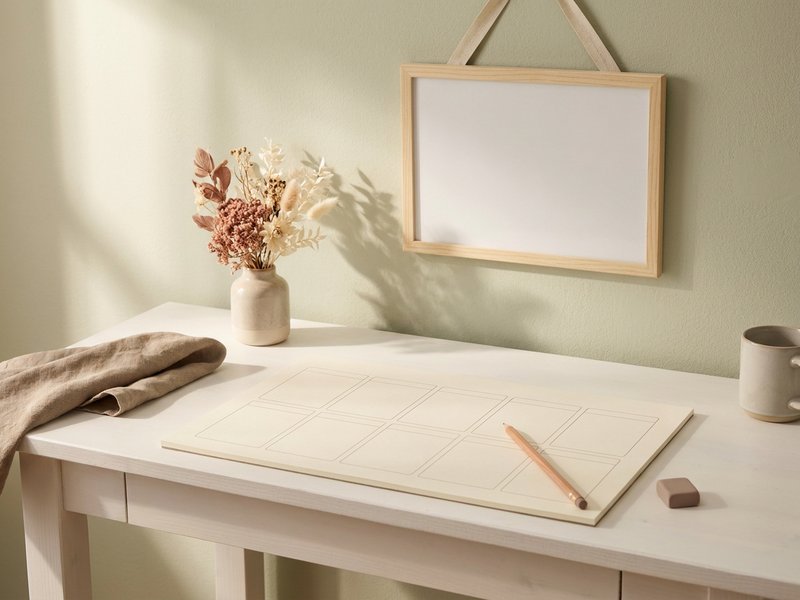
For more gentle formats to try on the paper side, these ADHD planner ideas for brains that hate planners offer ten options that skip the guilt of blank pages.
What If You Keep Switching Planners Every Few Weeks?
If you keep switching planners, give the next one a three week minimum and change only one thing at a time. Switching is usually novelty seeking, not a sign you chose badly. A new planner gives a burst of dopamine, the burst fades around week two, and the old planner starts to feel like the problem.
Try keeping the tool and changing the placement instead. Move the notebook to the kitchen, add a home screen widget, or set the calendar alert five minutes earlier. Small changes to where the planner lives often fix what felt like a planner problem.
One woman on r/adhdwomen spent a week and a half hyperfocused on learning how car buying works, then negotiated more than seven thousand dollars off the deal. She had paid the ADHD tax her whole life, and for once the obsession worked in her favor instead of costing her. The right planner does the same thing: it turns the way you are wired into something that works for you. You’re not behind. You’re just differently wired.
Found this helpful? Pin this guide so you can come back to it anytime.
Frequently Asked Questions
Is a paper or digital planner better for ADHD?
Neither wins for everyone. Paper is better for tasks you need to see and remember, because it stays visible and handwriting aids memory. Digital is better for appointments, because it sends alerts and repeats events. Most ADHD women do best with a hybrid of both.
How do I choose a planner I will actually use with ADHD?
Choose by how you forget. If you miss appointments, start digital with alerts. If you forget tasks you can see coming, start with a paper list somewhere you walk past. Keep one calendar and one list, and check them once a day.
What is the best digital planner app for ADHD?
The best app is the simplest one you will open daily, often Google Calendar for time and Todoist for tasks. Highly customizable apps like Notion suit people who enjoy building systems, but setup can replace the actual work. A home screen widget helps any app stay visible.
Do ADHD women do better with a digital vs paper planner?
Many late diagnosed women find a hybrid works best: a digital calendar for appointments and a paper list for daily tasks. Paper keeps tasks visible, while digital catches time sensitive events. The key is giving each tool one job, instead of copying everything into both.
Why do I keep abandoning planners with ADHD?
Planners get abandoned once the novelty wears off, usually around week two or three, before the habit forms. Keep your next planner for at least three weeks, and change its placement before changing the planner itself. Moving it somewhere visible often fixes the problem.